Zen mode
Today, with nothing around it.
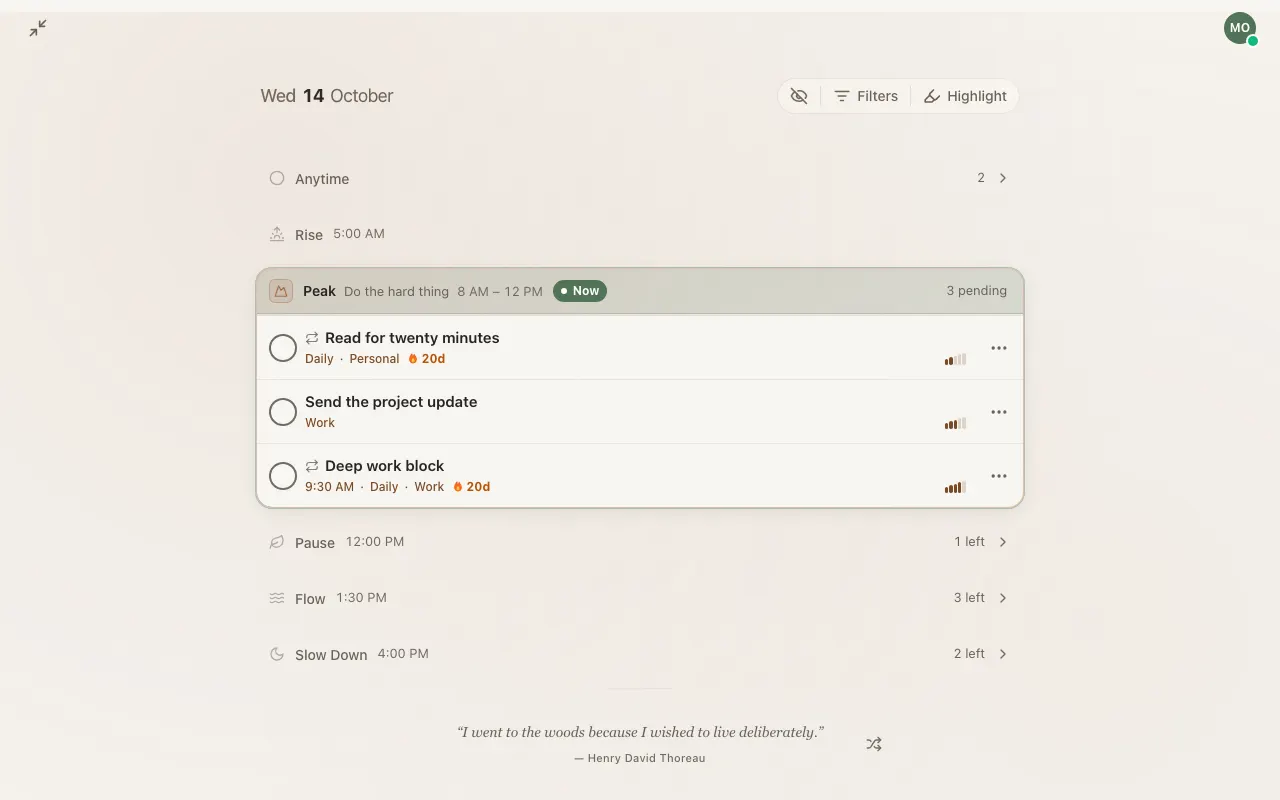
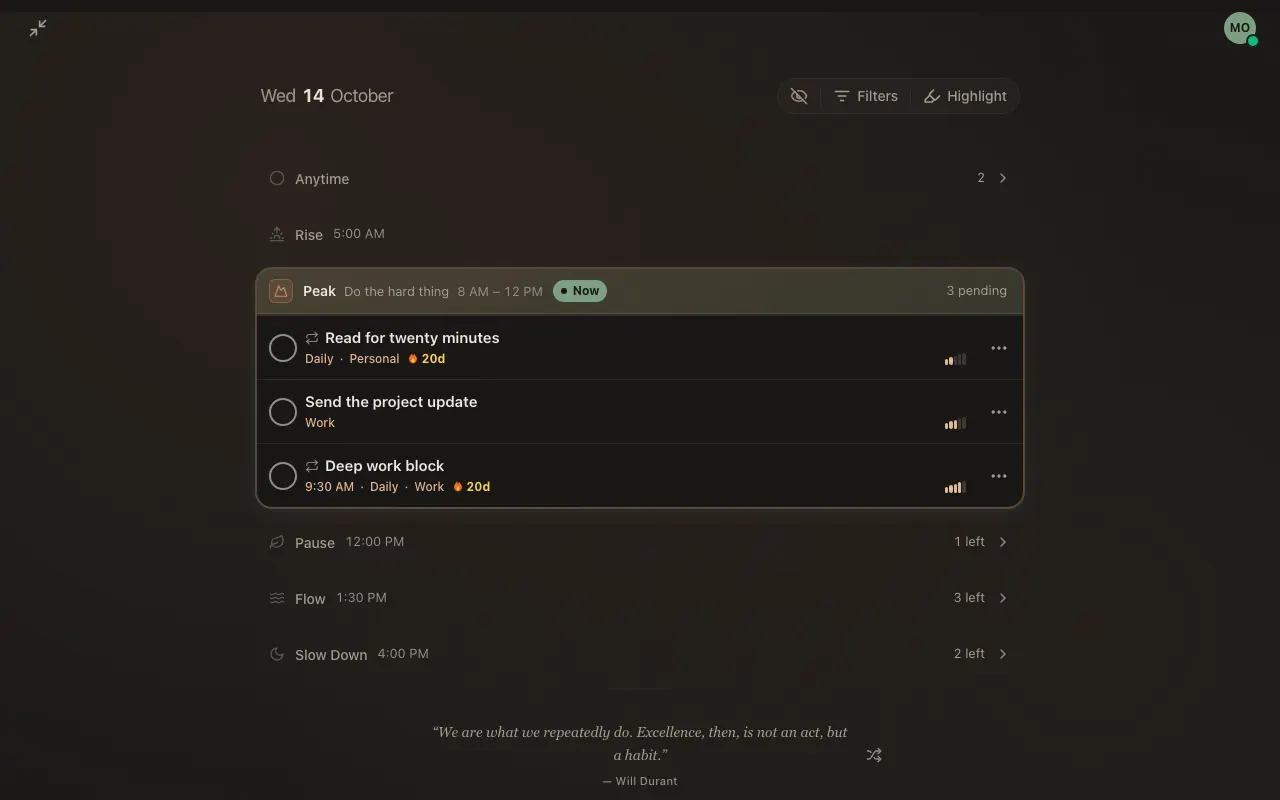
Zen is Today without any chrome: no sidebar, no tab bar, just your day in a centered column. It is made to be a browser homepage or a second screen. Enter it from the account menu, and leave with the Exit Zen icon in the corner or the Esc key.
01
It follows the clock
Today moves to the next part of the day on its own, without a reload, which makes Zen a good browser homepage.
02
Begin one thing
From the menu of a habit or task, Begin shows just that item with a quiet clock counting up, then Complete or Leave. There are no sounds, alarms or countdowns, and the screen stays awake where your browser allows.
03
On iPhone
Enter Zen from the account menu, which is the only way in on iPhone. Leave with the Exit Zen icon or the Esc key.
Try MyHabitum
Arrange your habits and tasks by the time of day.