Calendar
See your week, one part of the day at a time.
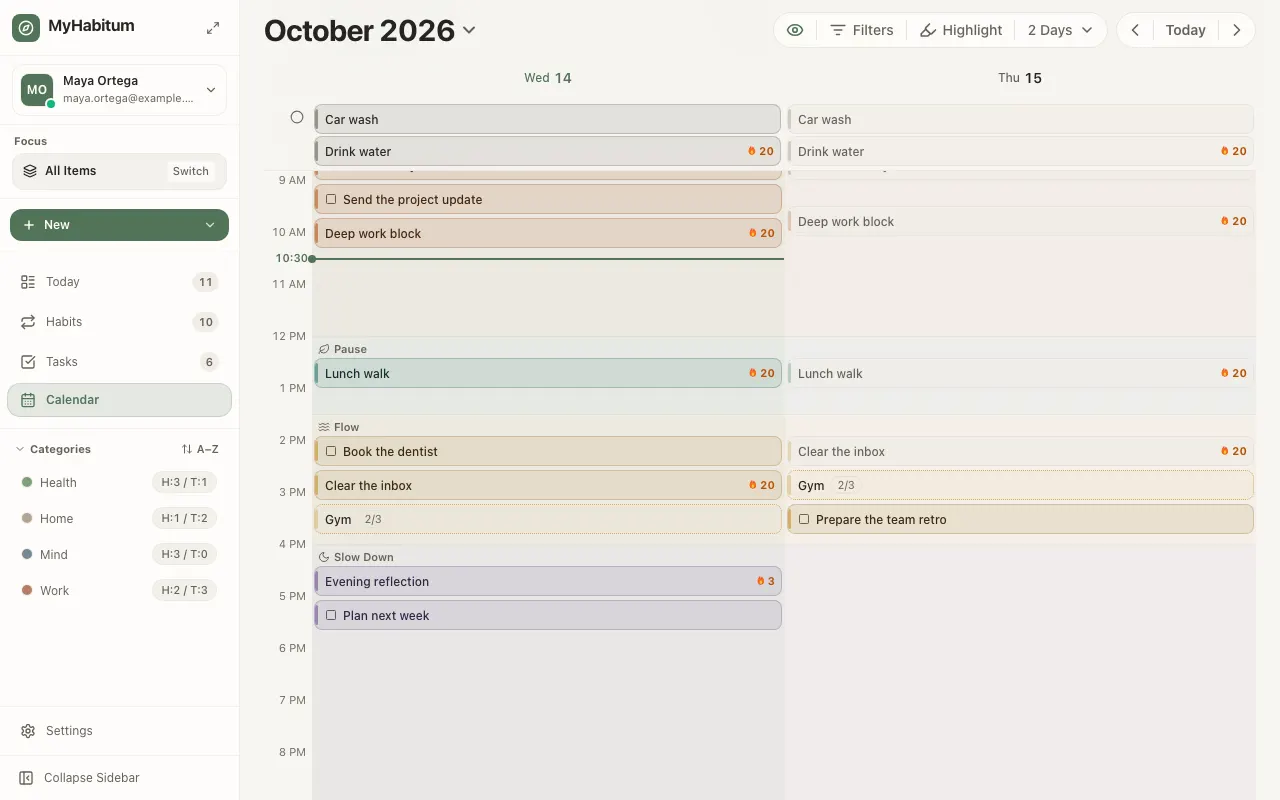
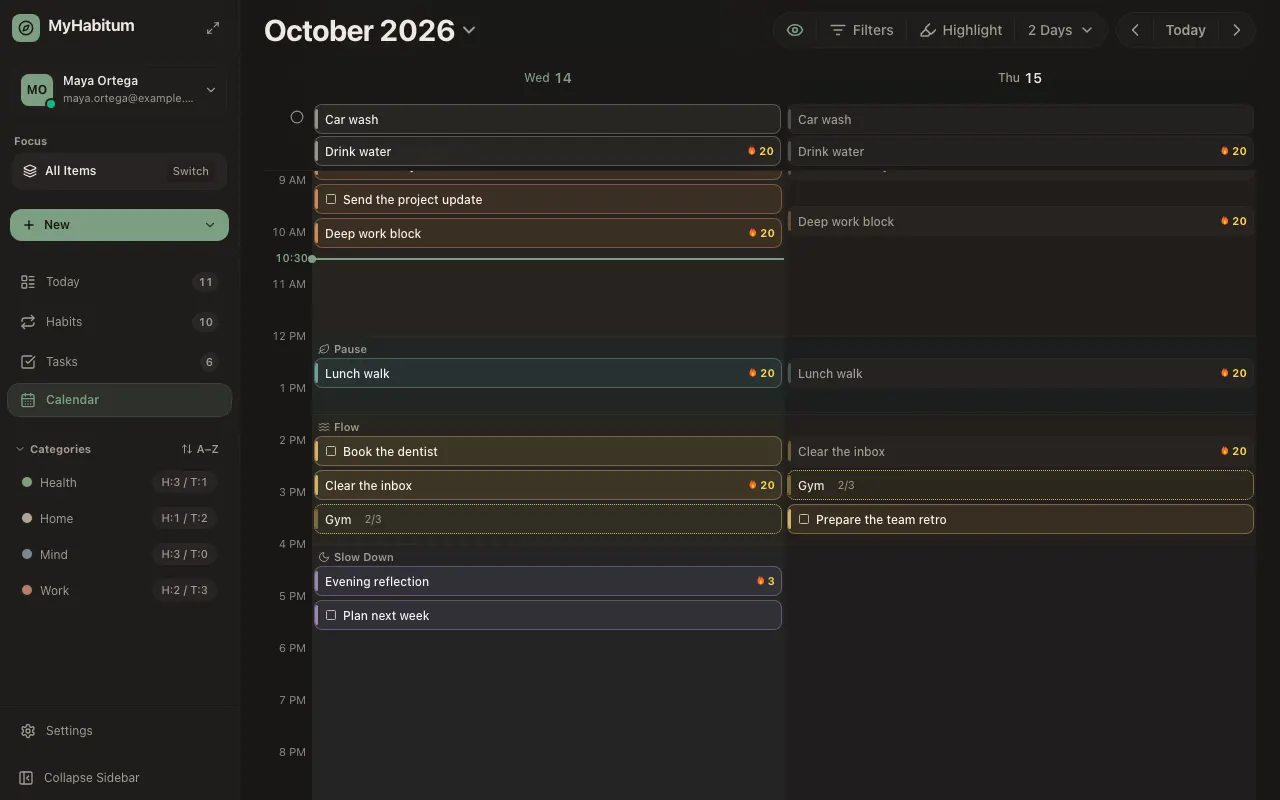
The Calendar shows your habits and tasks across several days, placed by time of day and colored like Habits. Choose Day, 3 Days or Week on iPhone, plus 2 Days on iPad and desktop. Today can be completed right there, future habits wait for their day, and past days are never marked missed.
01
Today can be done right there
Complete today’s habits and tasks without leaving the Calendar. Future habits are shown but wait for their day, and past days read as they were, with at most a quiet dash on a day you did not log.
02
Weekly Goals look optional
While a week’s goal is still open, its card is dotted and very light, with a running count such as 1/3 where there is room. Once the goal is met it turns solid.
03
Made for scanning
A busy time of day grows to fit instead of hiding items, the current time is marked and repeating tasks show their next dates. On iPad and desktop the month title opens a mini month with week numbers.
Try MyHabitum
Arrange your habits and tasks by the time of day.